
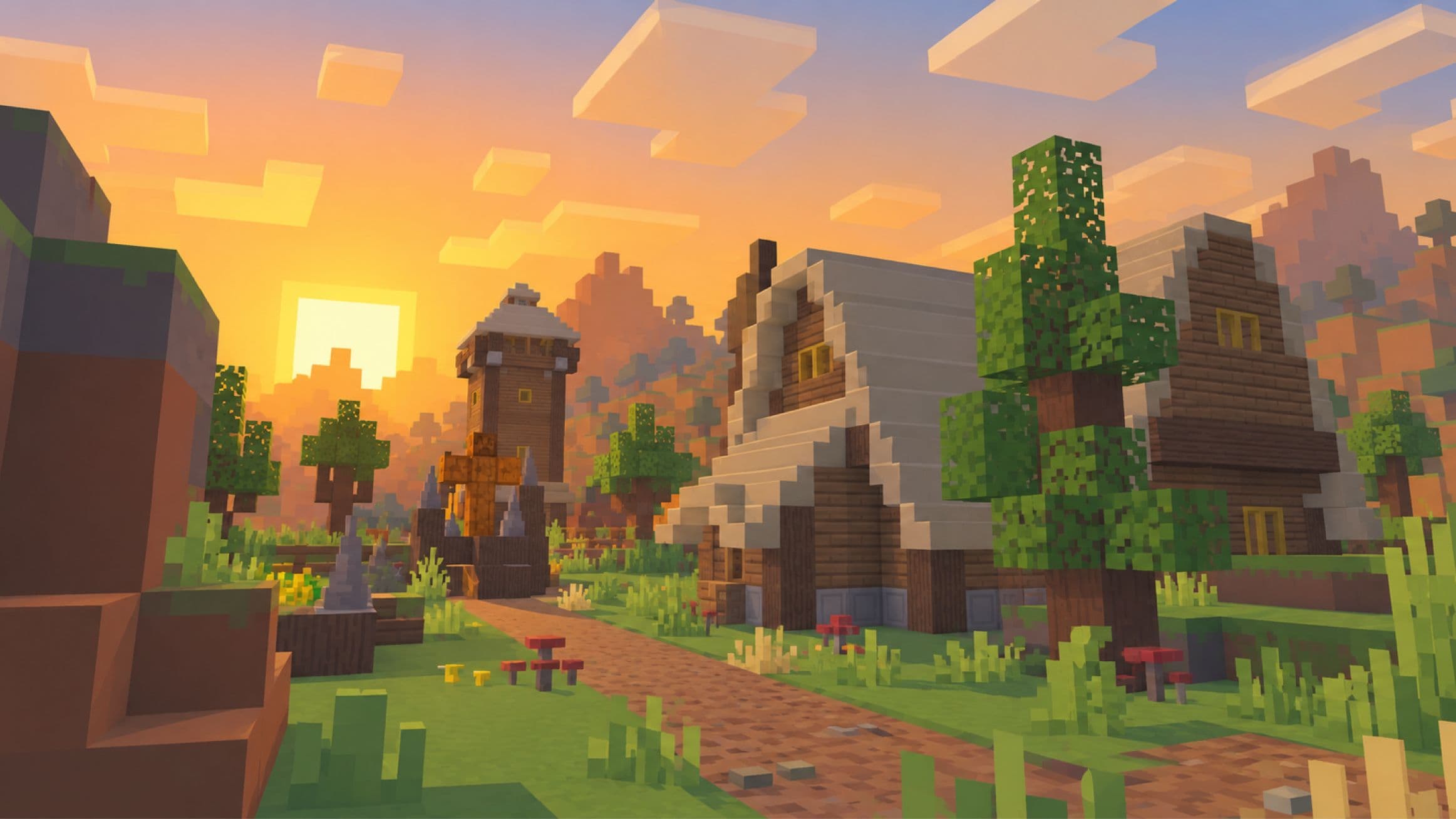

Overworld
Survival is where you gather resources, build a base, and prepare equipment for dungeon runs. The Hub provides NPC markets and services. Use Travelers and the travel menu to move between available destinations, and accept Galithin's resource pack so custom items, ores, and dialogs display correctly.
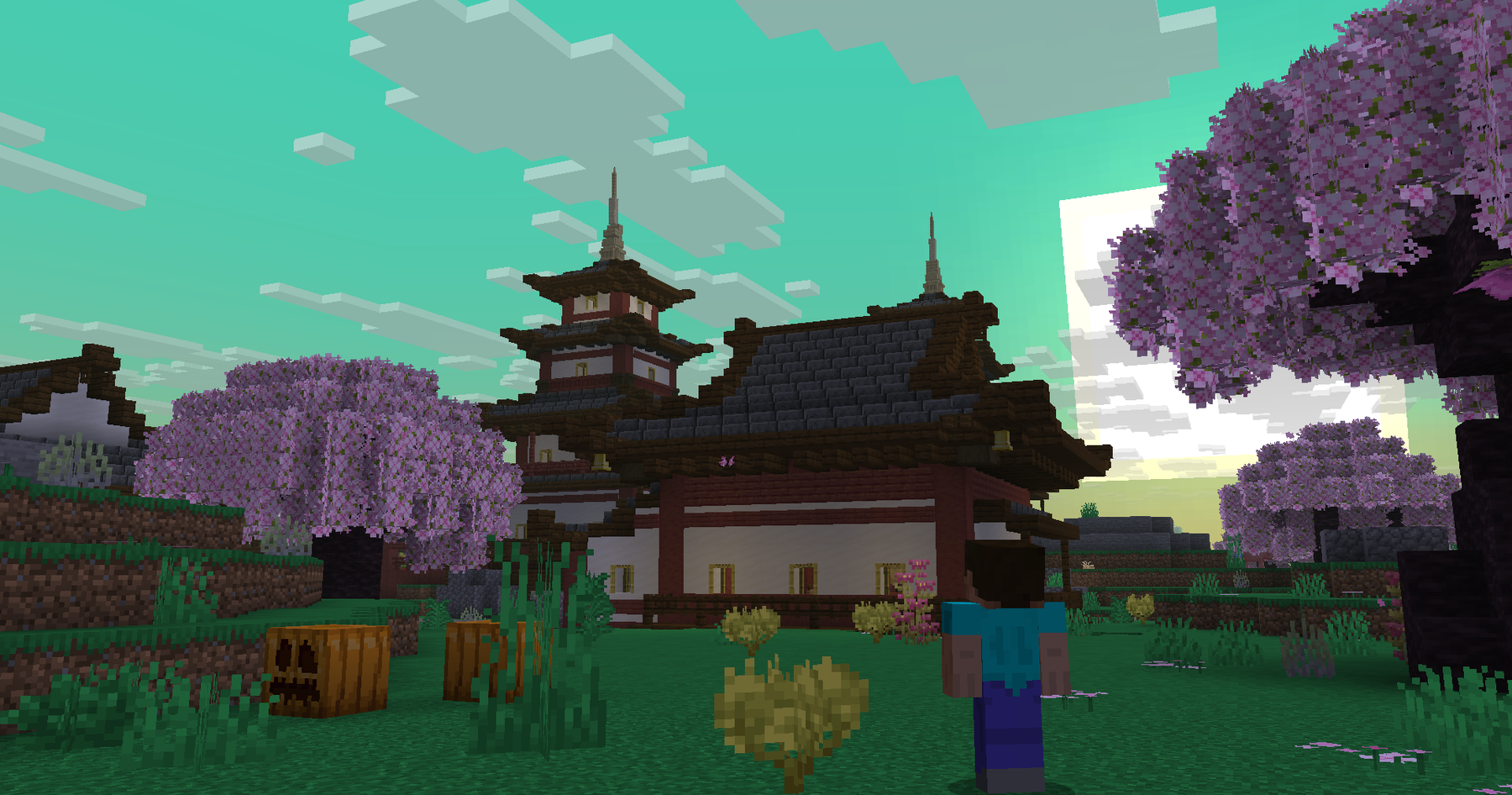
Travel and destinations:
Use a Traveler NPC or to open the travel menu. Its destinations include the available server routes, homes, and Hub warps. Inspect the destination before confirming, and wait for inventory/profile synchronization when changing servers.
Hub warp choices lead to the relevant market and service NPCs, such as the Blacksmith, Mage, Alchemist, Tavern, Graveyard, Auctioneer, Phantom Market, and Cosmetics area. A service's own availability still applies after you arrive.
Homes and warps:
Action | Command |
|---|---|
Save a home | |
Go to a home | |
List homes | |
Delete a home | |
Go to a server warp | |
List warps |
Use letters, numbers, hyphens, or underscores in a home name. Saving an existing name can overwrite its location. The configured ordinary allowance is ten homes, subject to account permissions. Homes are your saved locations; warps are destinations provided by the server.
Random Teleport and requests:
selects an eligible random Survival Overworld location, normally 500–5,000 blocks from the configured center, with a ten-minute cooldown. The current route is not a Nether or End random teleport. RTP economy charges are disabled in the checked travel setup.
Use to ask to go to another player, or to ask them to come to you. Respond with or ; controls request reception. Requests expire after sixty seconds.
Accepted teleports normally have a five-second warmup. Movement or damage can cancel it, and teleporting does not grant invulnerability. A tpahere destination uses the location at request time, so moving afterward does not redefine that request.
returns to a supported previous location or death location. It does not restore inventory or redeem a Soul Totem; see Gravekeeper for dungeon item recovery.
Mining Midnight materials:
Look underground in Survival for Midnight Stone and the brighter Midnight Riftstone, in the configured Y −48 to 24 range. Midnight Riftstone can provide a Rift Shard when mined. The additional shard drop has a 65% chance, so not every block grants one.
These Rift materials begin the route toward a Rift Crafter and Rift Orb. Custom metallic and gem ores are found inside dungeons, not as ordinary Survival ore generation. Read Ores for their actual drop and processing rules, and Custom Tables for the crafter recipe and orb creation.
Building supplies and the regular coin shop:
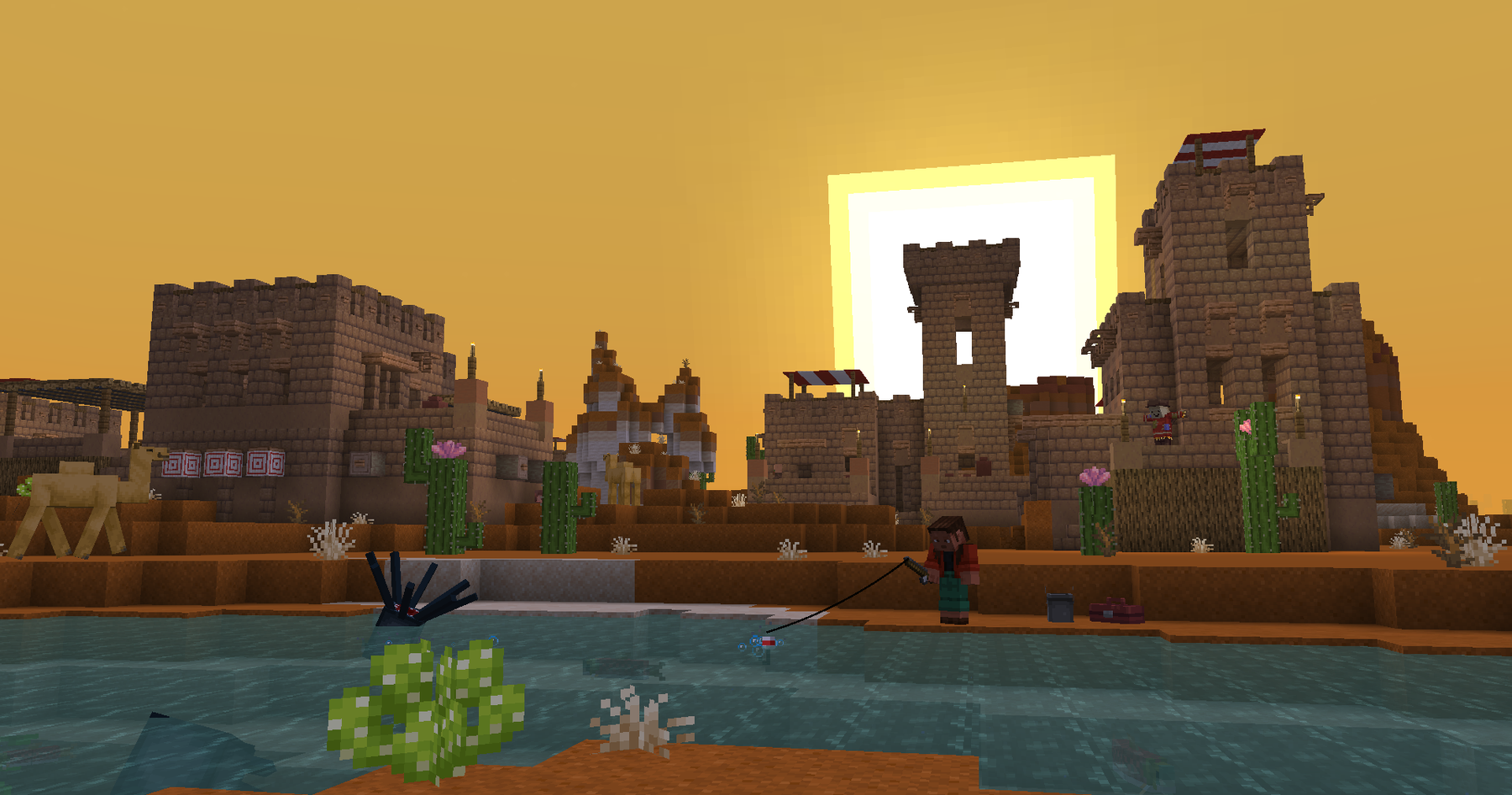
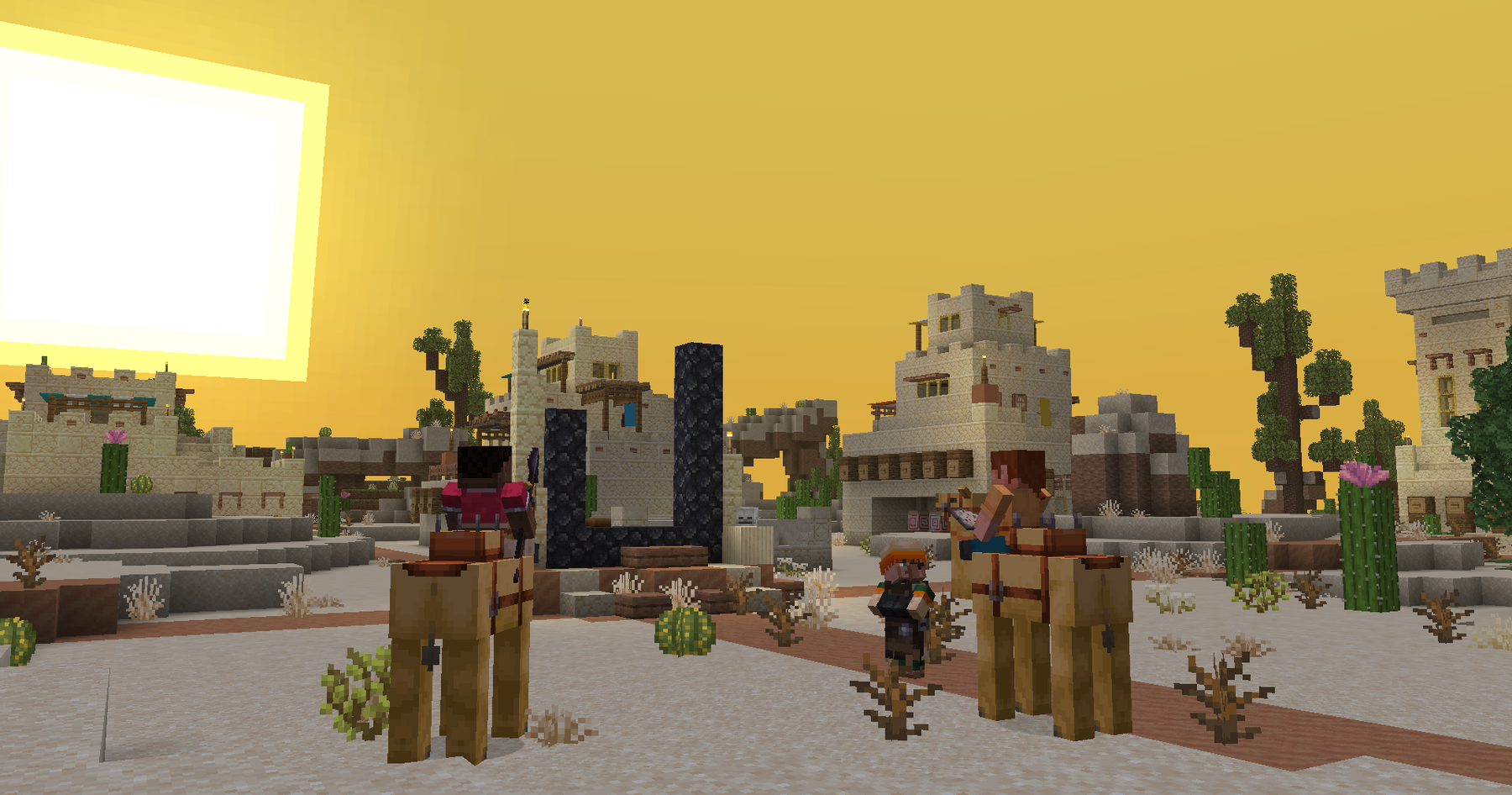
Buy ordinary supplies from the spawn market NPCs. The regular coin shop includes building blocks, decoration, dyes, Redstone components, food, farming supplies, workstations, enchanting supplies, mob drops, music items, miscellaneous materials, and available spawners.
Use the menu's categories to inspect the exact item, quantity, coin price, and any supported selling option. Buying and selling prices are item-specific; an item is not guaranteed to be bought back for its purchase price. Spawn Eggs and Everything Else are not active ordinary categories in the checked shop setup.
Workstations stock includes the Rift Crafter, Focus Infuser, Runic Forge, and Scrap Station, together with Claim Block tiers and Demagnetizer tiers where listed. Read the item's tooltip and menu for its function. Do not assume every defined bag or bag upgrade is sold there; Backpacks has the actual craft progression.
Custom recipes require the specific custom ingredient shown. Similar names or renamed vanilla items do not substitute for it. Where a player recipe exists, you can craft the item instead of buying that offer. See Custom Tables and Guilds & Claims for station and Claim Block recipes.
Protecting a base:
Guild Claim Blocks protect eligible land after placement, boundary preview, and confirmation. Check your guild's claim capacity, role authority, permissions, and energy. Claims at low energy can lose protections even while their outlines remain visible.
Friendship does not automatically allow building or opening storage. Review access before inviting someone into your base. The full radius progression, recipes, protection thresholds, and social commands are in Guilds & Claims.
AFK queue and Soul Flame rewards
Use to enter the AFK queue. The inactivity system can also move you there after ten minutes without activity, with a warning in the final minute. Ordinary movement inside the queue does not automatically return you; use again or a supported travel command to leave.
While eligible in the queue, you earn a saved Soul Flame reward balance every five minutes. The rate decreases with accumulated AFK time:
Accumulated AFK time | Soul Flames per five minutes |
|---|---|
First 24 hours | 5 |
24–48 hours | 4 |
48–72 hours | 3 |
72–96 hours | 2 |
After 96 hours | 1 |
Offline time does not count as AFK earning time. Spending more than one continuous hour outside AFK resets the accumulated rate timer. Briefly reconnecting or moving does not provide that reset.
Use to inspect the saved balance and to claim it on Hub or Survival. Leave an empty inventory slot. A claim delivers up to one stack at a time, with a five-second claim cooldown. These claimed items are not an automatic deposit into a Spirit Vessel; follow the vessel collection flow if you intend to spend them at the Phantom Market.
Queue fishing:
Fishing is a queue activity with a temporary rod. Leave an inventory slot, cast at the fishing area, wait for the PULL prompt, and reel in. Use for catch records.
Catch tier | Selection weight |
|---|---|
Common | 60% |
Rare | 25% |
Epic | 12% |
Legendary | 3% |
Catch rewards can include custom character XP, saved Soul Flame rewards, and virtual Miner, Combat, or Royal keys, according to tier. A catch tier does not guarantee every bonus. These rewards are not ordinary physical fish stacks or vanilla enchanting levels. See Crates for spending a virtual key.
Queue parkour:
Start at the marked course start, pass the two checkpoints in order, and reach the finish. Flying or gliding does not count as a normal course run. Your course record tracks completion and best times.
The temporary Barrier cancels, Clock resets, and Compass returns to the checkpoint. Follow the course controls; temporary activity items are restored or removed through its exit flow. No coin or crate-key prize is promised by the currently checked course setup.

Other useful controls:
Where your account has access, and show connection or playtime information, opens crafting, and , , or provide permitted appearance or personal environment controls. Follow each command's help and restrictions.
Your profile, statistics, settings, and badges are separate from homes and travel. Use for the in-game guide or for a structured introduction; ends the guided practice.

